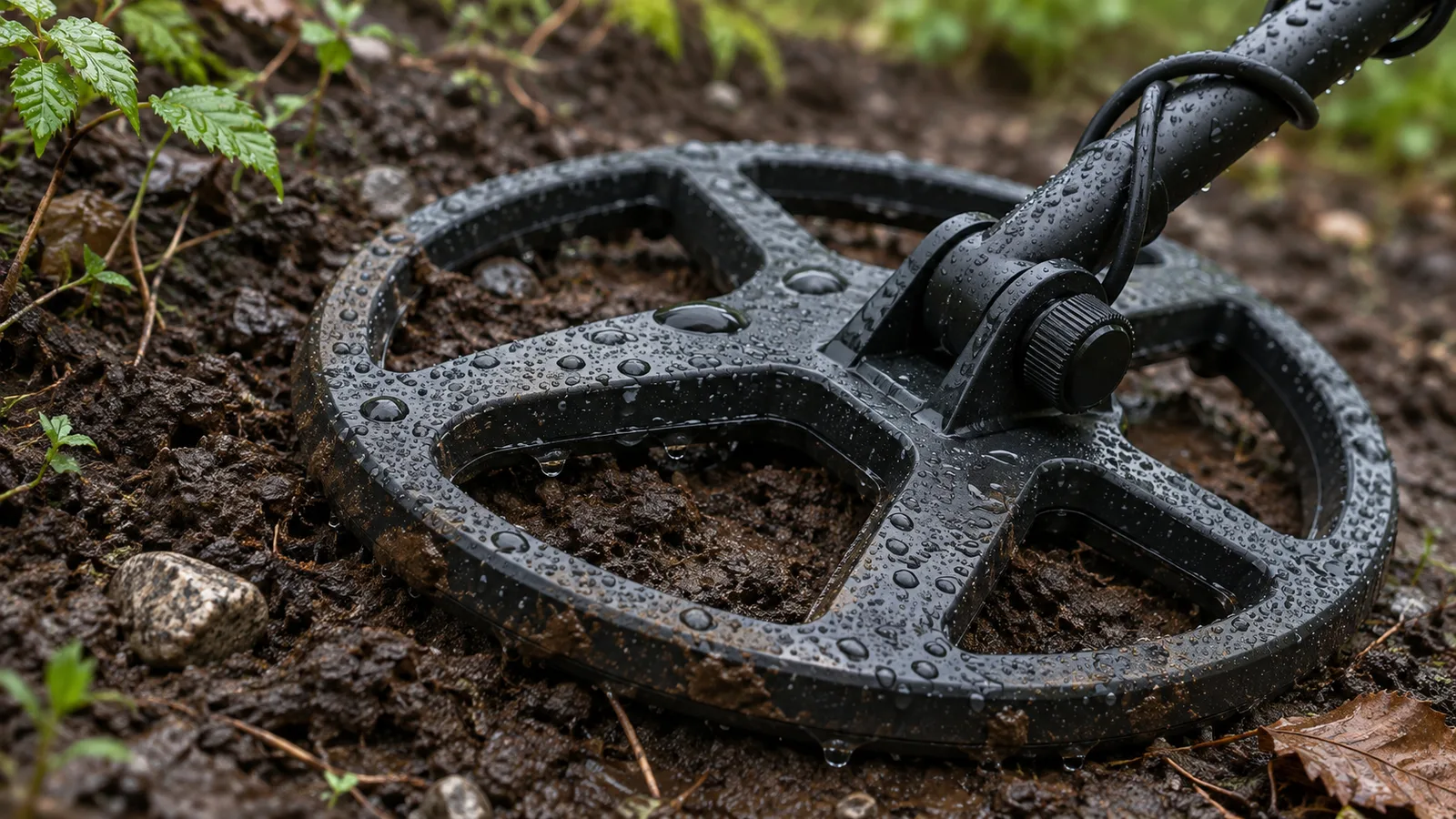
Metal Detector Settings Explained: Sensitivity, Ground Balance & More
When I unboxed my first machine, I turned every dial to maximum thinking it would dig down to bedrock. Two hours of phantom signals taught me that stability beats raw power every single time.
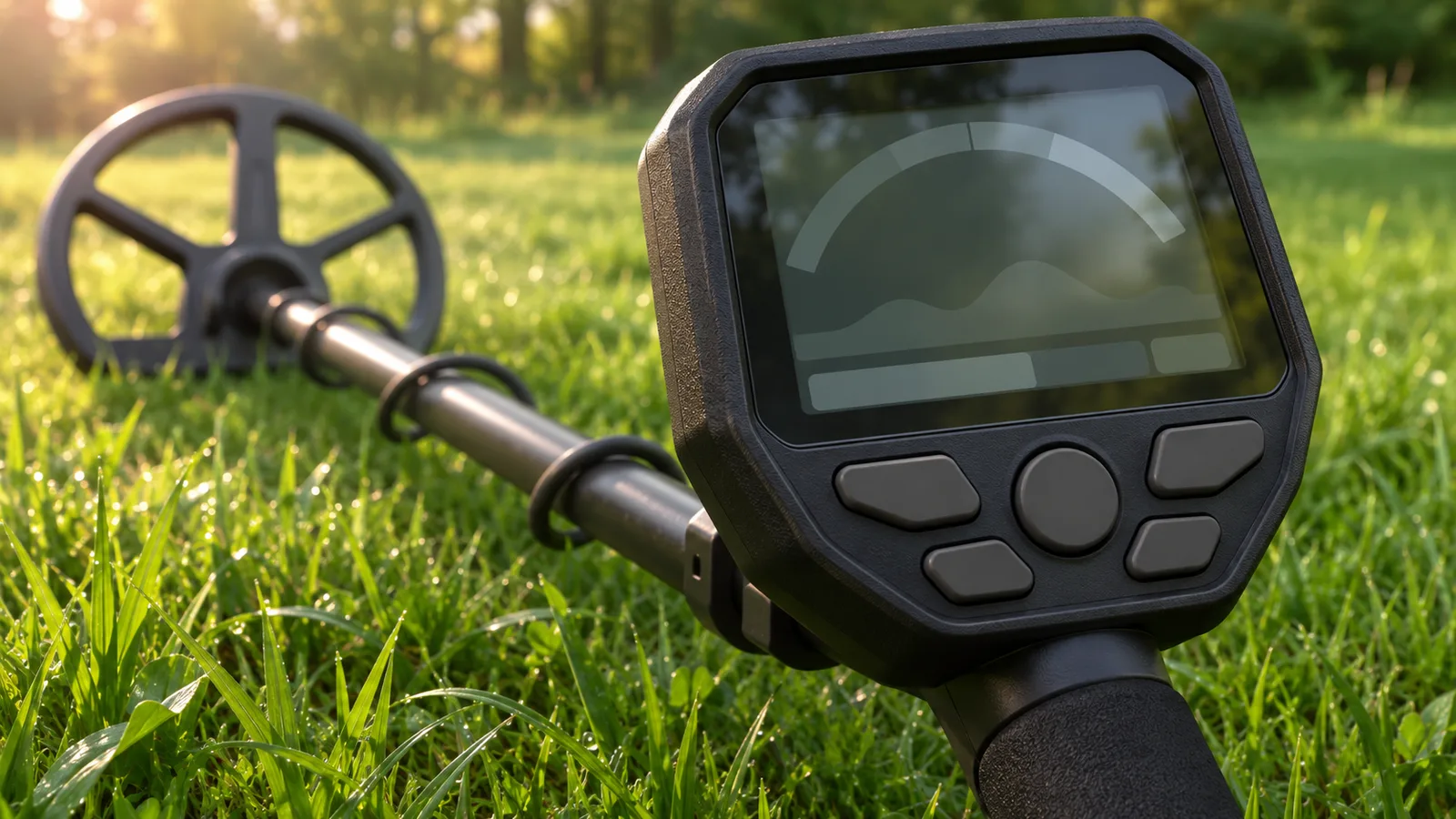
The first weekend I took a proper machine into the field, I made the classic rookie error. I figured higher numbers meant deeper finds, so I cranked gain straight to ten, turned discrimination off, and swung across an old pasture. Within seconds the control box sounded like an angry pinball machine having an electrical breakdown. Every bump against a weed produced a squeal, and every scoop of red dirt screamed high silver. Having metal detector settings explained by someone who has dug hundreds of empty holes would have saved me half a day of backache and frustration.
Modern detectors are sensitive scientific tools, not sledgehammers. They measure subtle phase shifts and electromagnetic reactions in the ground beneath your coil. When your settings match the specific dirt you are walking over, the detector runs quiet, and good targets sing out crisp and repeatable. When settings fight the ground, you spend all afternoon chasing ghost signals and digging rusty bottle caps.
Sensitivity and Gain: Why Louder Is Not Always Deeper
Sensitivity is essentially the microphone volume of your detector. Turning it up amplifies weak signals bouncing back from tiny coins or deep belt buckles, but it also amplifies electromagnetic noise from overhead lines, cell towers, and mineral particles in the soil. Running your sensitivity too hot creates constant chatter that masks genuine targets beneath audio static.
I learned this in a farm field right beside an electric cow fence. The machine was popping every three seconds, but I kept swinging, stubborn and convinced I would lose depth by backing off. My hunting partner finally walked over and dropped my sensitivity from 95 to 78. The chatter stopped instantly, and three swings later I hit a clear two-way tone at seven inches that turned out to be an 1890s nickel. Running at 80 percent stability will find you far more relics than running at 100 percent chaos. Raise sensitivity until slight chatter begins, then back it off two clicks.
Ground Balance: Fighting the Minerals Beneath Your Boots
Dirt is rarely neutral. Most soil contains iron minerals, magnetized basalt, or dissolved salts that emit an electromagnetic response when hit by your coil. Ground balance tells your detector to ignore this background soil signature so it can focus entirely on metallic objects hidden inside.
When stepping onto a fresh site, find a clean patch of dirt free of trash, hold the coil six inches up, press the ground balance button, and pump the coil between one and six inches. The machine listens to the soil phase and cancels it out. On fields with steady loam, manual or grab balance works perfectly. Where soil shifts every twenty yards from sand to heavy clay, automated ground tracking keeps the machine stable without constant manual adjustments.
Discrimination and Sensitivity: Filtering Trash Without Hiding Coins
Discrimination allows your detector to silence low-conductive metals like iron nails and fencing wire using a notch filter or target ID scale. When you notch out iron, the detector stays quiet over old square nails.
Notching out everything except copper and silver sounds tempting, but heavy discrimination carries a steep penalty called target masking. If a copper coin rests in the dirt two inches away from a rusty bolt, high discrimination often mutes the whole signal because the larger iron mass dominates. Small hammered coins, thin gold rings, and colonial buttons also produce conductance readings right down near foil and nickel ranges. Cut out too much junk, and you cut out history with it. Running minimal discrimination with low iron audio volume lets your ears judge signals instead of relying on a digital filter.
Audio Tones and Recovery Speed
Modern detectors communicate through audio tones. Setting audio to two tones gives a low iron grunt and a high beep for non-ferrous targets. Multiple tones separate foil, nickels, brass, and silver into distinct pitches, letting you cherry-pick promising coin signals in trashy picnic groves without staring at the screen.
Recovery speed determines how quickly the detector resets between two adjacent targets. In clean fields where targets are rare and deep, a slow recovery speed yields deeper detection. In an old cellar hole littered with iron nails, slow recovery causes the detector to lag and miss coins beside iron. Raising recovery speed shortens the audio response, producing sharp blips that separate good targets from surrounding trash.
| Hunting Environment | Sensitivity Setting | Ground Balance Mode | Discrimination Level | Recovery Speed |
|---|---|---|---|---|
| Quiet city park lawn | High (85-90%) | Manual or factory preset | Moderate (notch iron & foil) | Medium |
| Iron-infested homestead | Moderate (70-75%) | Pumping grab / tracking | Zero notch, low iron volume | High / Fast |
| Mineralized red clay | Conservative (65-75%) | Manual pump balance | Minimal notch | Medium |
| Wet saltwater beach | Low to medium (60-70%) | Salt balance mode | Low iron notch | Medium |
A Simple Five-Minute Field Setup Routine
Whenever you arrive at a fresh permission, take five minutes to set up your machine systematically:
- Turn on the detector and hold the coil waist-high to confirm there is no immediate interference from overhead cables.
- Locate a clean patch of turf and sweep in all-metal mode to ensure no buried metal sits underneath.
- Perform your ground balance by pumping the coil until the audio tone levels out.
- Set sensitivity to a stable baseline around seventy to eighty percent of maximum.
- Sweep a short test track. If the machine stays stable, begin hunting; if you get false chirps on grass, dial gain down two notches.
When poor weather keeps me off the fields during long winter stretches, I often boot up MetalHunter to keep my ears sharp. The mobile simulator recreates realistic target IDs, ground responses, and coil swings across eight varied terrains from forest loam to sandy shores, making it a great way to stay in the treasure-hunting mindset when real soil is frozen solid.
Troubleshooting Phantom Signals and Chatter
If your detector falses uncontrollably, check your coil cable first. A loose cable flopping near the lower shaft moves inside the electromagnetic field, triggering false beeps on every swing. Wrap the cable snugly around the shaft, running the first turn straight up without tension before winding.
Next, check for external interference from power lines or nearby detectors, switching operating frequencies if your machine allows. Wet grass brushing against the coil cover can also generate static electricity. Keeping your coil cover clean of trapped mineralized sand prevents plenty of mysterious audio squeaks.
FAQ
Why does my metal detector beep when touching wet grass?
Wet vegetation creates a tiny capacitive coupling effect against the plastic coil housing, especially when sensitivity is set too high. Ensuring your coil cable is tightly wrapped and dropping your sensitivity setting by two or three notches usually eliminates wet grass falsing immediately.
Should I always ground balance before hunting?
Yes, running a quick ground balance is recommended whenever you start a hunt or move between different soil types on the same property. Mineralization can change dramatically from an uphill pasture down to a creek bottom, and updating your ground balance keeps your machine running quietly and detecting at full depth.
Does high discrimination reduce detection depth?
While discrimination does not physically weaken the transmit pulse, aggressive notch filters can reject weak, fringe signals from deep targets whose phase response has been distorted by surrounding minerals. Running modest discrimination and relying on audio tone pitch preserves depth and prevents good targets from being silenced.
How do I know if my sensitivity is set too high?
If your detector pops, chatters, or produces broken audio signals when the coil is stationary or brushed against ordinary turf, your sensitivity is running hotter than the local environment allows. Dial the gain down until the machine settles into quiet stability.